
Loading…
Welcome to 2026–27 BAISD Professional Development!

This is your one-stop location for BAISD professional learning throughout the 2026–27 school year. Here you can explore upcoming opportunities, view session details, register, and access information and resources connected to each session.

Finding a Session
Use the Search feature to find a specific session by title or keyword, or use the filters on the side of the page to narrow the available sessions and find opportunities that meet your needs.

Registering for a Session
When you find a session you would like to attend, simply click the session to add it to your schedule. Adding a session to your schedule automatically registers you for that session.

Registering for a Series
If you are attending a multi-session series, search for the series title to quickly locate all related dates. Be sure to select each session/date you plan to attend.

You can return to this SCHED event throughout the year to explore new opportunities, manage your schedule, and access updated session information and resources.

New professional development opportunities will continue to be added throughout the year, so check back often!

Mobile

This event is available on your phone

  1. Download the Sched App from the App Store or Google Play
  2. Search within the Sched App to find your event:
    "2026-27 BAISD Professional Development"
  3. Sign up or Log in to access your event
Sched App mobile screen download App
1. Download App
Sched App mobile screen find event
2. Find Event
Sched App mobile screen register
3. Register

Calendar Sync for Google Calendar, Outlook & Apple Calendar

Subscribe in your calendar program to see this event alongside your meetings.
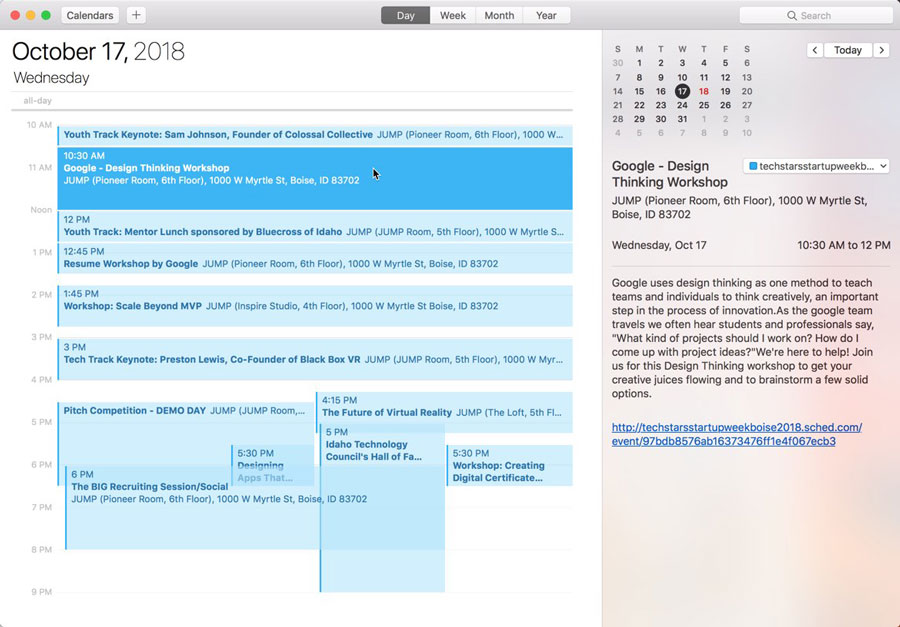
Apple Calendar
1. Click to open: Full Event Schedule
2. On next screen, set "Auto-refresh" to "Every hour" to ensure you get schedule changes.

Google Calendar
1. Click to open: Full Event Schedule
Note: Google will only update the feed once per day, which means you could miss out on last minute updates.

Microsoft Outlook
1. Click to open: Full Event Schedule
2. View instructions for Outlook.com or Outlook for Mac.

Export Calendar
This is a one-time export. You will not receive any updates to the schedule. If you expect the schedule to change, you should choose to one of the sync options above.
Full Event Schedule: https://202627baisdprofessionaldevelopme.sched.com/all.ics


Share Modal

Share this link via

Or copy link